Products  /  Tiny Tools
Original product · Micro-apps

Tiny Tools

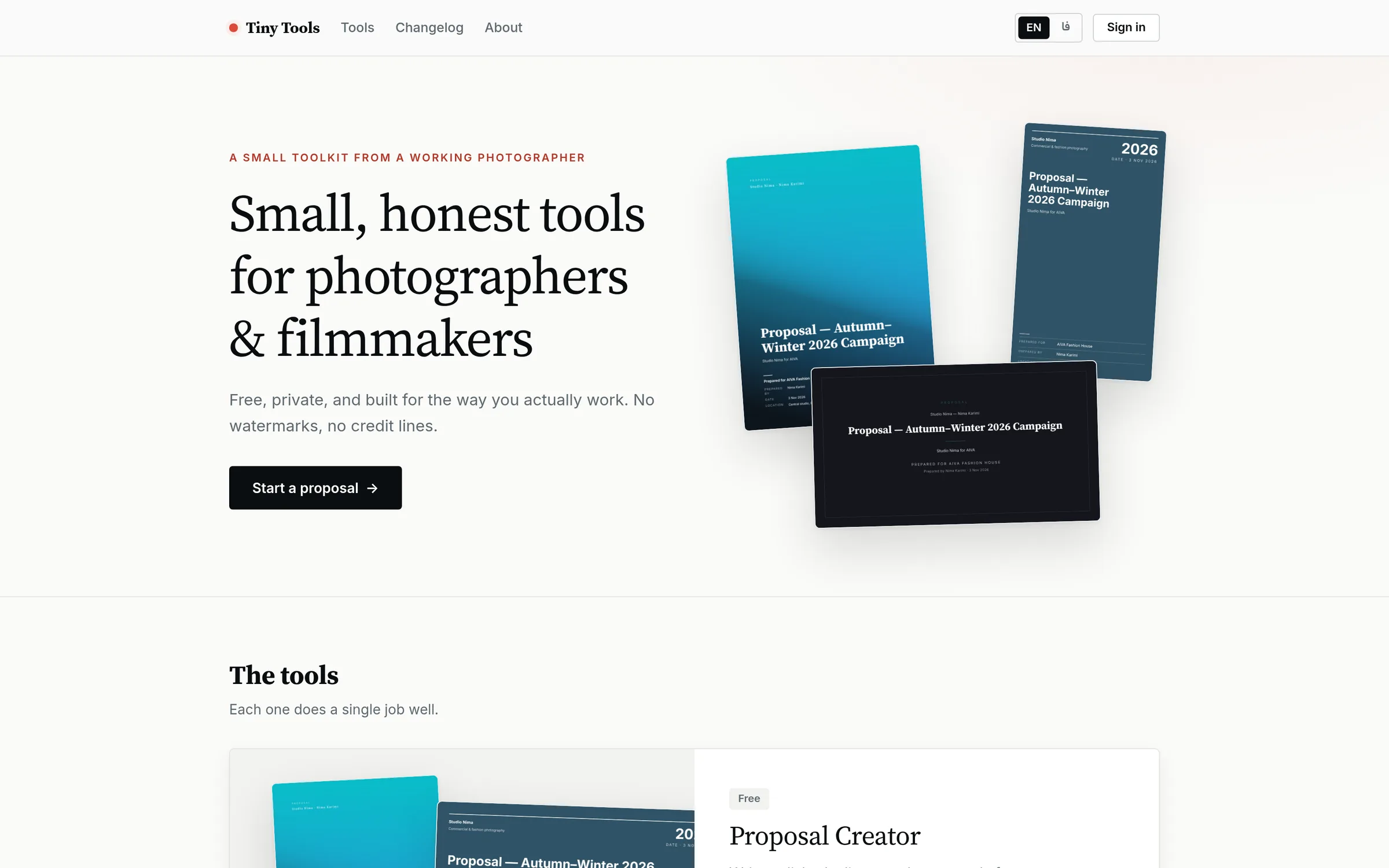
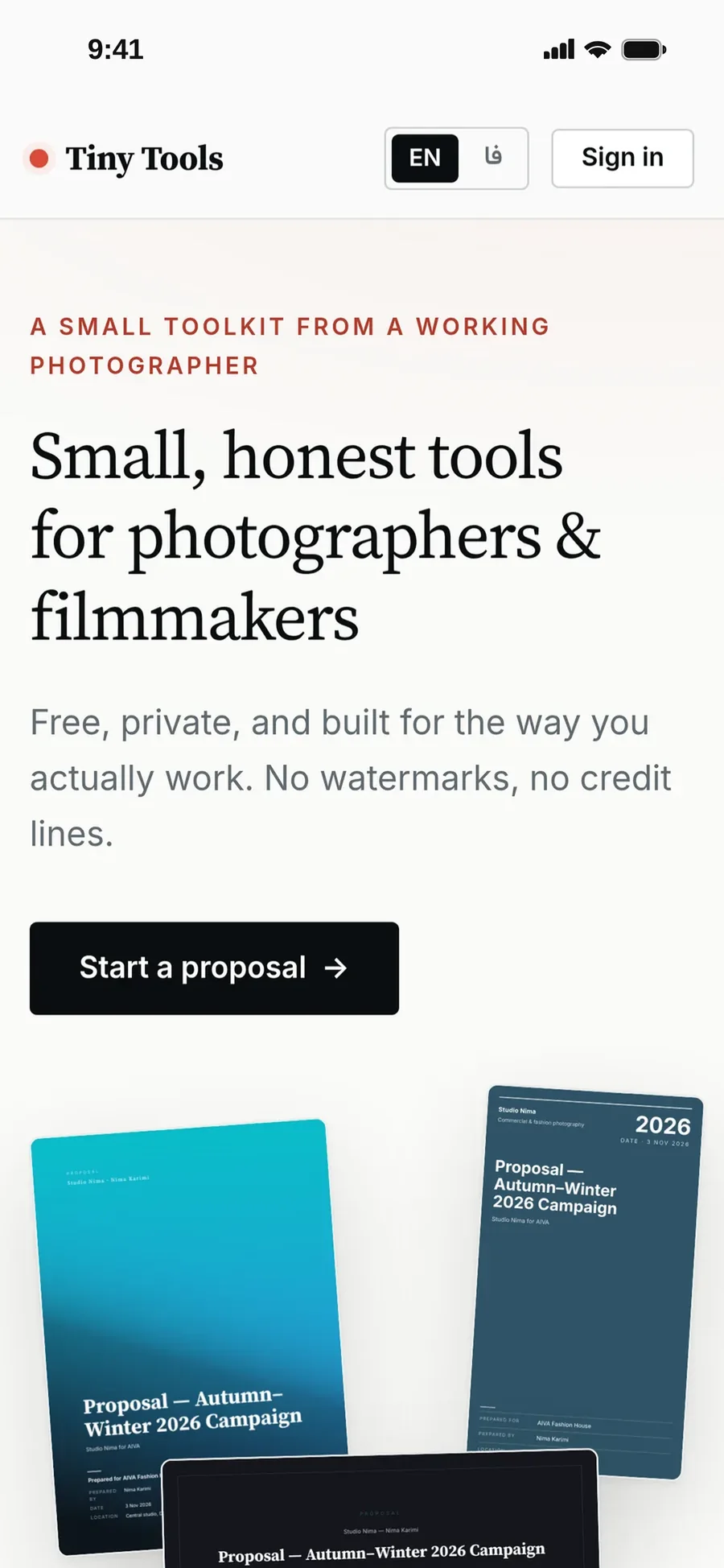
Small, honest tools for photographers and filmmakers.

A growing shelf of single-purpose tools for working creatives: proposals today, with more single-purpose tools on the way. Private and quick, in English and Persian.

FlaskBilingualPDF outputSelf-hosted fonts
Tiny Tools
Tiny Tools on iPhone
FA / ENBilingual
18Self-hosted type families
PDFPrint-ready output
0Tracking
The brief

Small, honest tools.

Creative work comes with small, repetitive paperwork. Most tools for it are bloated, subscription-gated or harvest your data.

Tiny Tools does one job per tool, well, and gets out of the way. Each tool produces a clean, branded document you would be happy to send to a client.

Visual layer

Design

  • Three print-quality templates: Editorial, Studio, Ledger
  • Accent-driven colour per user
  • Persian and English with correct type for each
Technical layer

Platform

  • One platform hosting many small tools
  • Admin console for content and members
  • Self-hosted fonts, no third-party calls
Functional layer

Tools

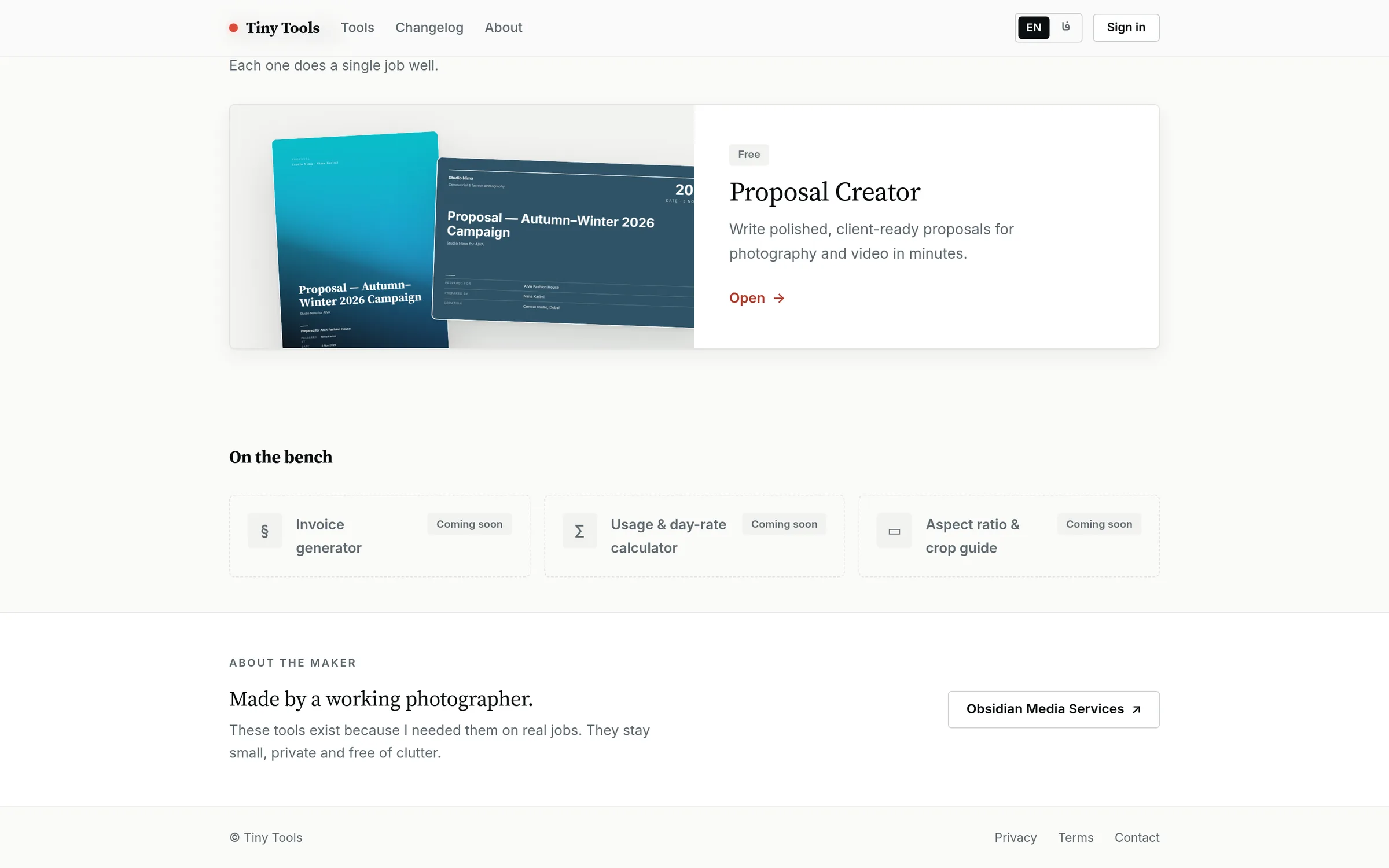
  • Proposal creator with live preview
  • Pricing and optional crew sections
  • Member profiles that prefill every tool
Inside Tiny Tools
In detail · 44 features

Paperwork, done properly.

Tiny Tools is a bilingual home for small, single-purpose tools, with Proposal Creator as its first tool. Behind it sits the Obsidian Console, the admin side that runs the tools, the members and the studio website.

01

Proposal Creator

Starts from the job, not from a blank page.

Four-step new proposal wizard

Pick language, medium and genre, depth, then template and page format, and the document is built for you.

Twelve genre presets

Fashion, wedding, event, product, food, music video and six more each start with realistic sections and line items.

Three levels of depth

Quick quote, standard or full production decides which of the 22 section types are switched on to begin with.

Pricing that does the maths

Quantity times rate times days, line and document discounts, tax on taxable lines only, and a deposit amount.

Six currencies

AED, USD, EUR, GBP, Toman and Rial, with Toman and Rial kept to whole units and amounts rounded half up.

Crew roles and line types

Hair stylist, makeup artist, assistant, wardrobe stylist and producer are ready to add in both languages.

02

The editor

What you see is the file you will send.

Exact live preview

The right-hand pane shows real rendered pages of the final document, refreshed shortly after each edit.

Sections you can rearrange

Drag sections into order, switch any of them off, or rename its heading for this proposal.

Autosave and version history

Edits save on their own, Ctrl or Cmd+S saves now, and the last five versions can be restored.

Image focal points

Click a point on an uploaded image and covers and crops keep that part of the picture in frame.

Preview zoom

Fit width, 25, 50, 75 or 100 percent, remembered on your device and applied without re-rendering.

Form and preview tabs on phones

On a narrow screen the editor splits into an edit tab and a preview tab.

03

Documents and output

Three designs, each drawn for three page shapes.

Three templates

Editorial is image-led, Studio is a Swiss grid with numbered sections, and Ledger is text-only and looks finished without a single image.

A4, 16:9 and 9:16 formats

The same proposal renders as a printable A4, a landscape slide deck or a tall phone-friendly page.

Print-ready PDF

PDFs come from a typesetting engine with page numbers on every page after the cover.

Self-contained HTML export

One HTML file with fonts and images embedded, which shows the pages on screen and still prints correctly.

Accent colour that carries through

One accent drives headings, rules and panels, with optional separate colours for each and a contrast check.

Font choice per document

Five heading and five body typefaces per language, and only the fonts used are embedded in the PDF.

04

Persian and English

Right-to-left is a mirrored layout, not a translation layer.

Every page in both languages

Public pages, the member app and the editor run under English and Persian addresses, and the switcher keeps your place.

Mirrored right-to-left layout

Persian pages and documents flip the whole layout, not just the text direction.

Persian digits and Jalali dates

Counts, money and page numbers use Persian digits, and dates are shown in the Iranian calendar.

Correct Persian lettering

Letter spacing is forced to zero for Persian everywhere, including the PDF, so joined letters never break apart.

Emails and phones stay left to right

Email, phone, website and handle fields keep their order inside Persian forms and documents, with digits as typed.

One language per page

An English page shows no Persian subtitles and a Persian page shows no English ones.

05

Member account

Privacy by design, not by policy page.

Recovery codes instead of email resets

Sign-up shows eight one-time codes to copy or download, and one code plus your email resets the password.

Profile that prefills proposals

Name, studio, contact details, social handles and logo are copied into every new proposal and can be changed per document.

Pin, duplicate and trash

Proposals can be pinned, copied, or moved to a trash that keeps them restorable for 30 days.

Honest limit on proposals

At the 20-proposal limit a dialog names the oldest unpinned one and offers to download it first, rather than deleting anything quietly.

Sessions and log out everywhere

See signed-in sessions and end all the others from the account page.

Export or delete your data

Download a zip of your proposals and images, or delete the account after typing your email to confirm.

06

Obsidian Console

One admin for the tools, the members and the studio website.

Dashboard at a glance

Member, proposal, export and storage figures with 30-day sign-up and export sparklines and recent activity.

Bilingual tool pages

Edit each tool's status, order, English and Persian copy, FAQ and changelog, with length counters on search titles.

Template preview grid

Enable, reorder and rename templates while seeing sample proposals rendered through the real engine.

Presets, labels and limits

Edit genre presets, override any built-in English or Persian label, and set caps, trash days and upload sizes.

Member care without snooping

Suspend, add notes or issue a 24-hour reset link, while opening a proposal's content needs a written reason and is logged.

Inbox, announcements and flags

Read contact messages, schedule site banners, and switch features or maintenance mode on and off.

Website editor

Edit every block of the studio's public website with image focal points, conflict checks and 20 restorable backups per page.

Backups and health

Nightly and on-demand database backups keeping the last 14, plus disk, database and render-time checks.
07

Security

Two-factor sign-in for admins

Console accounts support authenticator-app codes with one-time recovery codes.

Account lockout

Repeated wrong passwords lock an account for a cool-down period.

Strong password storage

Passwords are stored with memory-hard scrypt hashing and upgraded automatically on login.

Private uploads

Images are checked by content, stripped of metadata, re-encoded and only served to the member who owns them.

Locked-down pages

Every form is protected against cross-site requests and pages only run the site's own scripts.

No raw IP addresses kept

Rate limits and logs work from one-way hashes, and public forms use a hidden bot trap.

Something like this?

We can build yours, or rebuild the one you have.